
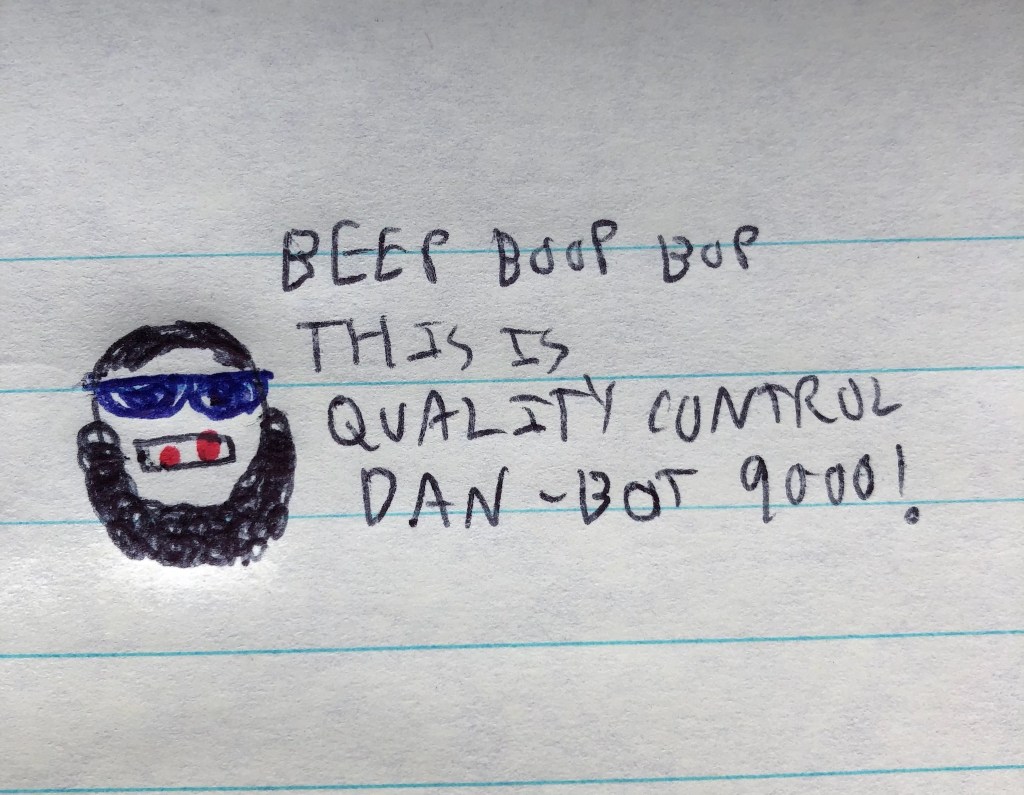
In case you haven’t noticed, automation is here to stay. I won’t lie, I’ve been using an automated tool to help improve my writing as well. Maybe this means that I’m not a Natty but personally ever since I accidentally found out about the existence of this tool, I’ve fallen in love with it. I’ve used it on every article I’ve written since and even my second book. So, all of the writing purists can start sharpening their pitchforks as I go over my unimpressive favorite automated tool.
But first; story time. I was posting an article of mine on my website. I was navigating the top of the screen when my finger slipped on my laptop’s mousepad (because I don’t care about buying expensive computer mods). I accidentally hit the capital A logo in my browser (I use Microsoft Edge because I have no specialized needs) when all of a sudden, I nearly fell out of my seat; the computer started reading the screen out loud. At the risk of sounding like a Boomer, I didn’t know that the browser could read the screen out loud. “That was pretty ableist of you, Dan. This is just a sign of your unending privilege of“ yeah, whatever, I’m the villain. How are those pitchforks coming along?
The browser read each word out loud as it also highlighted each word while it did so; I was completely enamored with it. While I understand that it is supposed to be an assistive feature for the blind users (yet braille keyboards aren’t common?), the read-aloud function of the browser has become my favorite proofreading tool. The cold and emotionless voice goes over each word out loud, and hence it has helped me catch numerous times when I wrote “they” instead of “the” or “from” instead of “form”. It has also helped me realize sentences that are too long or just sound a little off. I won’t lie, I also enjoy listening to an upbeat female AI voice read off some of my more heavily opinionated articles; the feeling of dystopic joy is hard to put into words.
However, using the browser read-aloud function is a bit too late in the writing process. I yearned for a similar tool that I could download to aid me further upstream in the process. Thus, I took to Google in search of such an advanced piece of software. To my amazement, I found the Microsoft Word has a similar feature. I rejoiced when I learned how to access this feature of Word. It looks like Travis Kelce’s girlfriend was right; what I was looking for was here the whole time! My only complaint (admittedly a first-world problem) is that the voice is a monotone robotic male instead of a pseudo-cheery robotic female. However, the quality control being closer to the manufacturing process is a definite upgrade.
“Wow Dan, you need a computer to read to you? Are you Floyd Mayweather?” A shade-thrower will ask. Firstly, I will not tolerate disrespecting Floyd “Money” Mayweather. Secondly, I can read just fine, it’s just the human brain is imperfect and is prone to missing small details. This is especially true when we are asking the same brain that caused the error to find said error, so a little assistance is needed. Married writers often have their spouse read their writing for this reason, ditto for writers working with an editor.
“Hi Dan, I’m a writing purist and I am done sharpening my pitchfork. Using any sort of assistive tool, no matter how minor means that you aren’t a real writer!” a pissed-off protestor will proclaim (yay alliteration!). While you’re half-right; I’m not a real writer but not for the petty reason of using the read-aloud function. Besides, once upon a time these purists were having this same argument over using the original models of spell-check on fucking Windows 2003; anyone today using a word processor and not using spell-check is either a fool or a liar. However, do not fear; 100% of the ideas still come from my noggin. Put another way; the automated tools only come out during quality control, but the development and manufacturing processes are still manual.
Essentially, I want to make the point that it is okay to use the technology available to you. “But Dan, some old-timer will say it was way harder back when I had to [insert task here]!!”. Don’t feel too bad, there’s a chance that old-timer ate lead paint chips and played football with leather helmets! History is littered with old-timers spouting that exact same line about how much easier the kids these days have it. Besides, what’s the alternative, stop innovating?
“Hi Dan, I’m a tech-savvy Millennial/Gen-Z writer and I am done sharpening my pitchfork. What goddamn rock did you just crawl out from under? How did you not know about these features?” is another rebuttal that I’m likely to get. I’m not perennially online and limbically-hijacked. Also, I wasn’t reading the spec sheets of each Windows upgrade when they launched like you probably were. I know your IQ exceeds your bodyweight kid, so step away from the sharpened pitchfork before you put someone’s eye out.
Tools are designed to make our lives easier, so use them!
 Home Page
